
DUCKDUCKGO EMAIL PROTECTION: STOP TRACKERS & SECURE YOUR INBOX
Category: Online Privacy & Web Tech | Reading time: – 9 minutes | Level: All web users
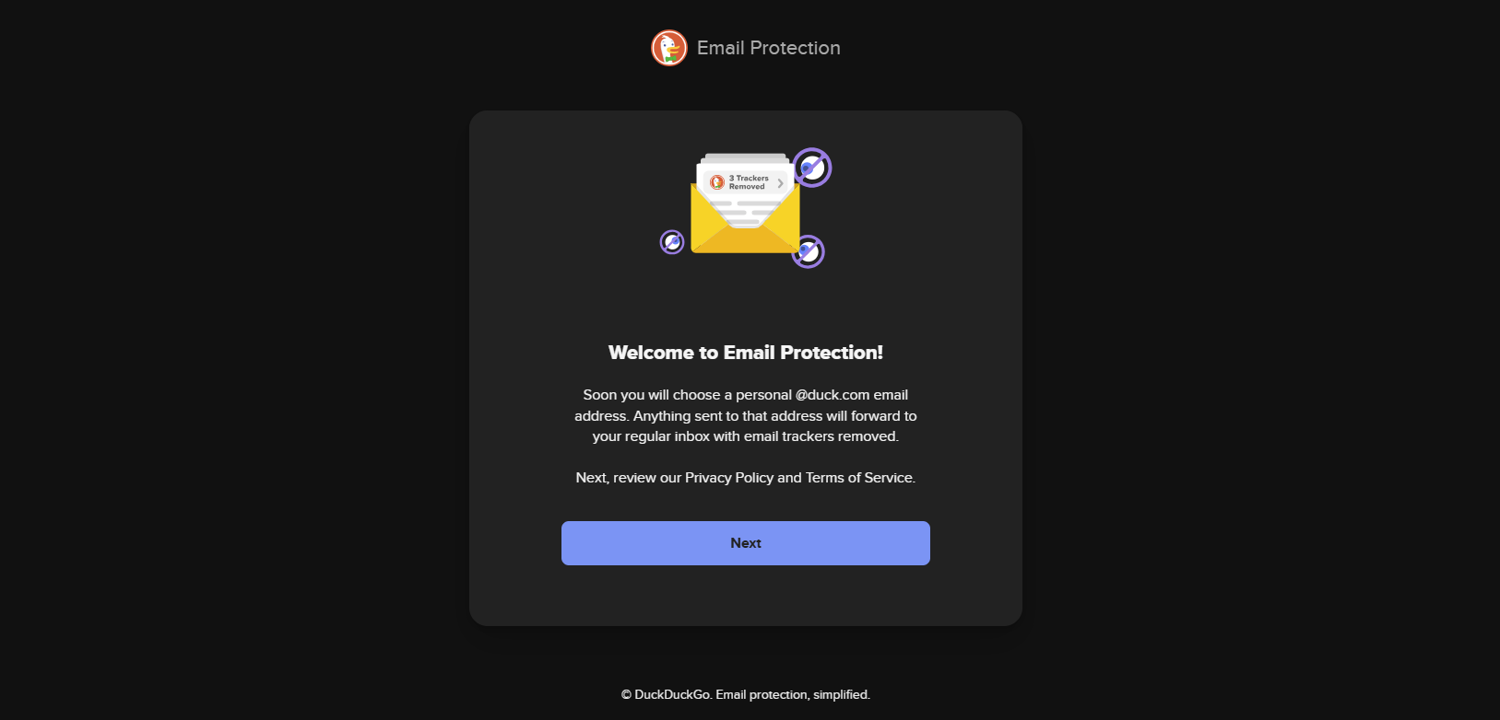
Signing up for newsletters, online stores, or digital services often results in your email address being sold, shared, or leaked into massive data pools, leaving you vulnerable to spam and security breaches. Furthermore, most marketing emails contain hidden tracking pixels that silently monitor when you opened the email, your physical location, and the device you used to view it. To counter these threats, DuckDuckGo Email Protection offers a free, powerful layer of defense designed to safeguard your identity. In this comprehensive guide, we will break down exactly how this service works, how it blocks leaks by generating private aliases, and provide a clear, step-by-step protocol to set it up for maximum inbox security.
In our previous exploration of digital privacy, we examined how to check if your personal data or email addresses have been exposed in corporate data breaches. Discovering that your data has leaked is only the first step. True protection comes from proactive defense — securing your inbox before trackers and data harvesters compromise your identity.
HOW DUCKDUCKGO EMAIL PROTECTION WORKS
DuckDuckGo Email Protection is a free email forwarding service that strips hidden trackers out of incoming emails before they ever reach your regular inbox.
Unlike switching to a completely new email provider, you don’t have to abandon Gmail, Outlook, or Yahoo. Instead, DuckDuckGo acts as a protective shield between the sender and your actual mailbox. When an email is sent to your secure DuckDuckGo address, the platform intercepts it, scans the code, permanently deletes any tracking scripts or pixels, and forwards the clean email directly to your primary inbox. This means you continue using your existing email account while gaining a new layer of privacy.
[Sender] → [Your @duck.com Alias] → (DuckDuckGo Strips Trackers) → [Your Real Inbox]
HOW DUCKDUCKGO PROTECTS YOUR INBOX FROM LEAKS
DuckDuckGo provides security through two distinct types of email addresses:
- Personal Duck Address (username@duck.com) Your main address for trusted contacts. Any email sent here is cleaned of trackers and forwarded to your real account.
- Unique Private Duck Addresses (on‑the‑fly aliases) The ultimate tool for preventing data breaches. When signing up for a new website, DuckDuckGo generates a random alias (e.g., w7x9v2p4@duck.com).
Benefits of Private Aliases
- Breach Isolation: If a site suffers a breach, your real email remains hidden.
- Instant Spam Blocking: If a service spams you or sells your address, deactivate that alias instantly without affecting your main inbox.
This dual‑system ensures both everyday privacy and long‑term resilience against leaks.
Setting up DuckDuckGo Email Protection
STEP 1: JOIN THE SERVICE
- Navigate to duckduckgo.com/email.
- Click Get Started or install the DuckDuckGo browser extension (available for Chrome, Firefox, Edge, Safari).
STEP 2: CLAIM YOUR PERSONAL ADDRESS
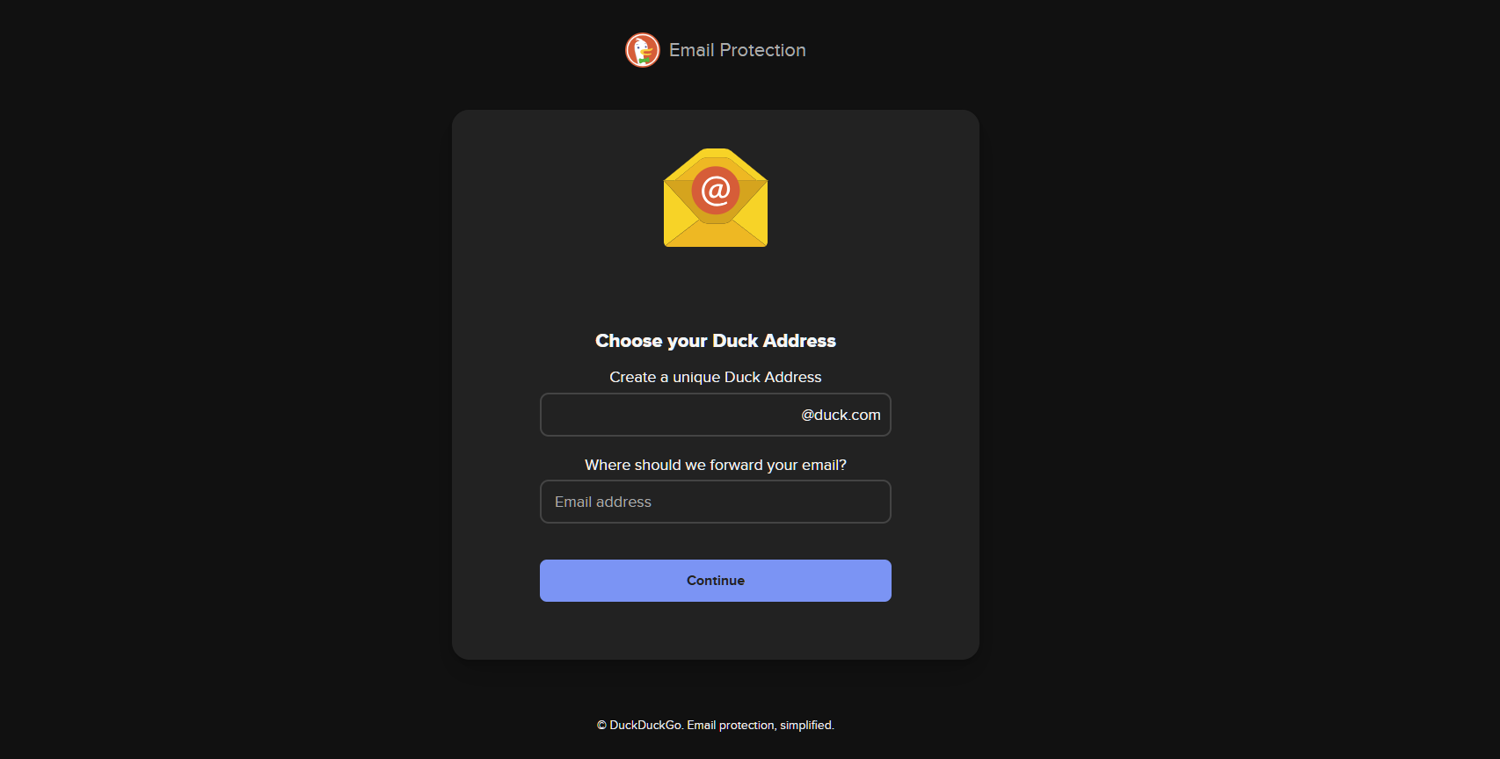
- Choose your unique handle (e.g., yourname@duck.com).
- Input your forwarding address (your current Gmail, Outlook, or domain email).
- Verify ownership via the confirmation link sent to your inbox.
STEP 3: ENABLE ON‑THE‑FLY GENERATION
- Activate the DuckDuckGo extension or mobile privacy browser.
- When filling out forms, click the DuckDuckGo icon to instantly generate a random alias.
AND WHAT WILL THE CLEANED EXPERIENCE BE?
Once active, emails arrive in your standard inbox exactly as before — but with one key difference. DuckDuckGo adds a banner at the top of forwarded emails showing how many trackers were removed. Example: “DuckDuckGo removed 4 trackers.” This transparency reveals which companies attempt to spy on your habits, while keeping your underlying data safe.
To maximize protection, combine DuckDuckGo Email Protection with other privacy tactics:
- Use password managers to generate unique credentials.
- Enable multi‑factor authentication for critical accounts.
- Run breach checks quarterly to ensure your email hasn’t been exposed.
- Segment your aliases by category (shopping, subscriptions, testing). Together, these steps create a fortified identity perimeter.
FOR LONG‑TERM INBOX SECURITY THESE MUST BE PUT IN PLACE:
Achieving secure email privacy is not a one‑time project — it’s a recurring process. Commit to a systematic routine:
- Quarterly Alias Audits: Test hidden aliases every 90 days, especially after major updates.
- Zero Guesswork Policy: Treat unverified email integrations as immediate risks.
- Audit App Connections: Purge outdated API keys, unused extensions, and stale webhooks.

TAKE CARE OF YOUR ONLINE SECURITY
Your inbox security is only as strong as the steps you take today. Keep auditing, keep aliasing, and keep upgrading your defenses — because trackers never stop evolving. Thank you for taking the time to strengthen your digital privacy with DuckDuckGo Email Protection. Every step you take toward securing your inbox helps build a safer, smarter online presence. Your privacy journey doesn’t end here — it evolves.
Keep checking back at Saritsystech for upcoming updates, advanced security tutorials, and new insights on protecting your digital identity. If you missed our earlier guide, revisit How to Check if Your Email Was Leaked — Digital Privacy Guide to complete your privacy foundation. Please share this post.
Thanks for sharing this insight. Right from the beginning i have known and discovered that DuckDuckGo is the way. Trusted and reliable.
Thanks for the input