
INTEGRATED VS DEDICATED GPU: PROS AND CONS EXPLAINED
Category: Computer Hardware & Personal Computing | Reading Time: ~5 minutes | Level: Beginner to Intermediate
When building or upgrading a PC, one of the most important decisions you’ll face is whether to rely on an integrated GPU or invest in a dedicated graphics card. This choice directly impacts your system’s performance, cost, and energy efficiency — especially if you’re into gaming, video editing, or professional design work. In this guide, we’ll break down the differences, highlight the strengths and weaknesses of each option, and help you decide which setup best fits your needs.
This comprehensive hardware guide changes that reality permanently. By the end, you will understand exactly how processors operate, what the key performance differences look like, and—most importantly—the specific, actionable steps you can take right now to eliminate system stuttering.
HERE IS OUR CHECKLIST:
- The Integrated Solution: How built-in processors optimize efficiency.
- The Dedicated Powerhouse: Why separate expansion cards dominate gaming.
- Memory Allocation Paths: How shared RAM impacts system responsiveness.
- Thermal Management Systems: Moving your PC away from dangerous heat thresholds.
- The Value Equation: Cultivating an economical daily computing setup.
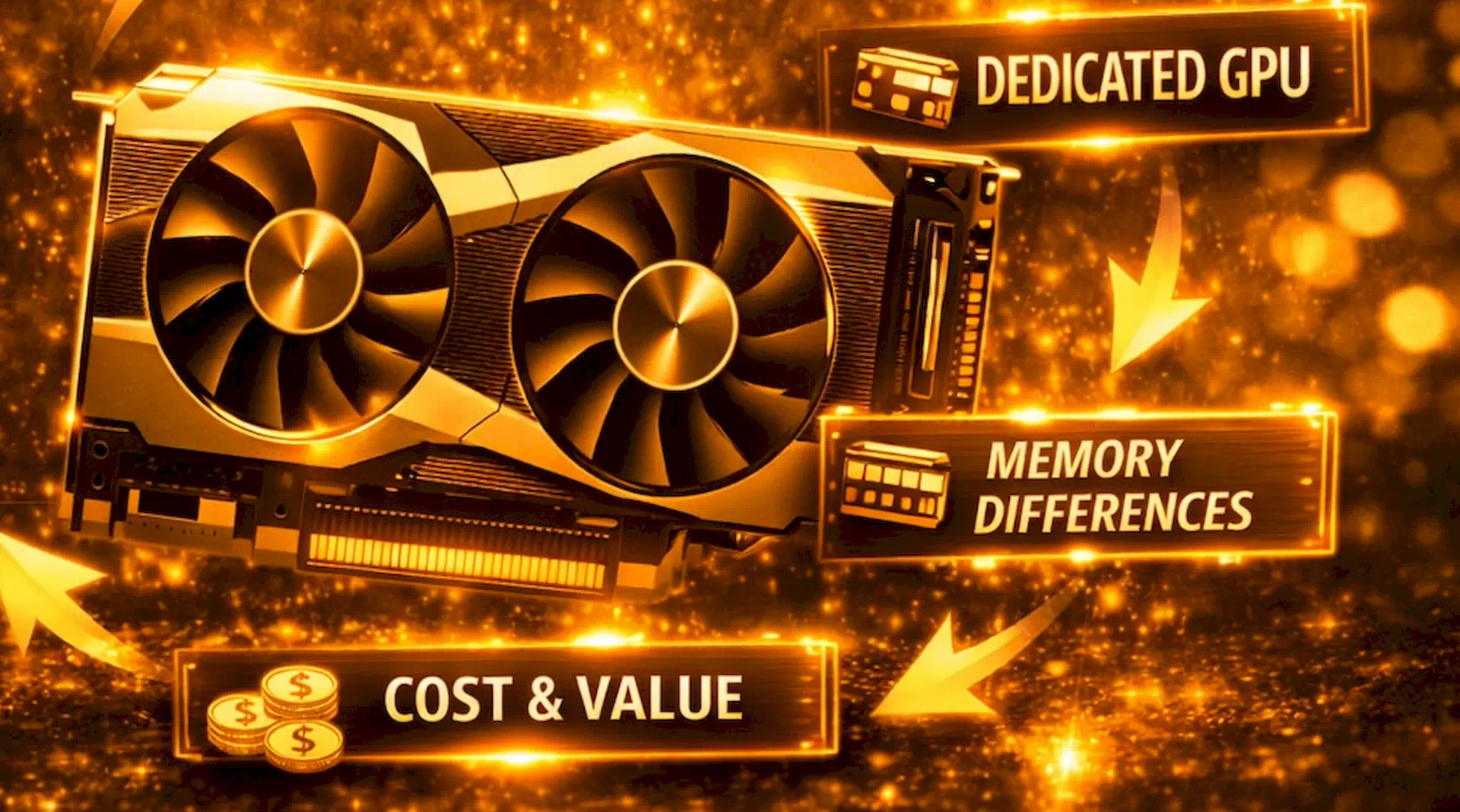
STEP BY STEP TO UNDERSTAND HOW THEY CONNECT
THE INTEGRATED GRAPHICS CHIP: MAXIMIZING EVERYDAY COMFORT
- Processor Core Integration: The graphics processing engine sits directly inside your main central processor chip.
- Shared Memory Allocation: The system dynamically borrows regular system RAM to handle all visual rendering tasks.
- Zero Financial Overhead: It comes completely free as a bundled feature with your main CPU purchase.
- Ultra Low Power: It consumes very little electricity even during extended high-definition video streaming sessions.
- Cool Running Temperatures: It generates minimal ambient warmth inside your computer case, ensuring silent operation.
- Compact Form Factors: This space-saving hardware design allows modern laptops to remain incredibly thin and light.
THE DEDICATED GRAPHICS CARD: UNLEASHING RAW VISUAL POWER
- Isolated Hardware Physicality: The unit installs as a completely independent circuit board into a motherboard slot.
- Dedicated Video Memory: Features ultra-fast, isolated VRAM chips designed exclusively for high-speed image processing workflows.
- Uncompromised Rendering Speeds: It processes complex three-dimensional imagery instantly without dropping frames or lagging.
- Massive Electrical Demand: Requires independent heavy power cables running directly from the main power supply unit.
- Active Cooling Solutions: Employs heavy copper heat pipes and multiple spinning fans to prevent thermal failure.
- Easy System Upgradability: Users can easily swap out old graphics cards for faster modern models later.
THE MEMORY BATTLEGROUND: SYSTEM RAM VERSUS DEDICATED VRAM
- Bandwidth Performance Bottlenecks: Shared system memory transfers complex graphical files at much slower standard speeds.
- Isolated Data Highways: Dedicated VRAM utilizes incredibly wide bus widths for instantaneous frame delivery pipelines.
- System Resource Depletion: Integrated chips steal valuable random-access memory away from active background applications.
- Texture Loading Capacity: Dedicated memory stores massive high-resolution artistic game assets smoothly without clipping.
- Multi-Display Grid Efficiency: Standalone video memory easily drives multiple high-refresh monitors without system stuttering.
THERMAL DYNAMICS AND POWER CONSUMPTION REALITIES
- Heavy Battery Drain: High-performance standalone graphics chips reduce mobile laptop unplugged survival times significantly.
- Thermal Throttling Triggers: Excessive heat forces your sensitive internal computing components to slow down automatically.
- Acoustic Noise Pollution: Massive dedicated cooling fans generate loud background operational hums under heavy loads.
- Power Infrastructure Costs: High-end graphics cards demand specialized, heavy-duty power supplies to maintain stability.
- Eco-Friendly Computing Profiles: Internal integrated processors lower your monthly household electricity consumption bills dramatically.
FINANCIAL INVESTMENT
- Low Barrier Entry: Budget integrated options keep entry-level custom desktop computer builds exceptionally affordable.
- Volatile Market Pricing: Dedicated desktop graphics cards often face intense retail supply fluctuations and scalping.
- Long-Term Hardware Relevance: High-quality standalone cards resist technological obsolescence for several consecutive years.
- Hidden Auxiliary Expenses: Heavy separate graphics cards require larger physical computer chassis with optimal ventilation.
- Diminishing Return Curves: Premium enthusiast hardware costs double the price for minor real-world speed improvements.
THE ZERO-COMPROMISE PROTOCOL: FINAL STRATEGIC VERDICT
- Audit Software Requirements: Always review specific application hardware specifications before purchasing any new component.
- Balance Component Budgets: Allocate your financial resources evenly across your motherboard, processor, and storage.
- Prioritize System Portability: Select lightweight integrated graphics options if you travel frequently for business.
- Future-Proof Your Investment: Purchase dedicated hardware to successfully handle upcoming next-generation operating systems.
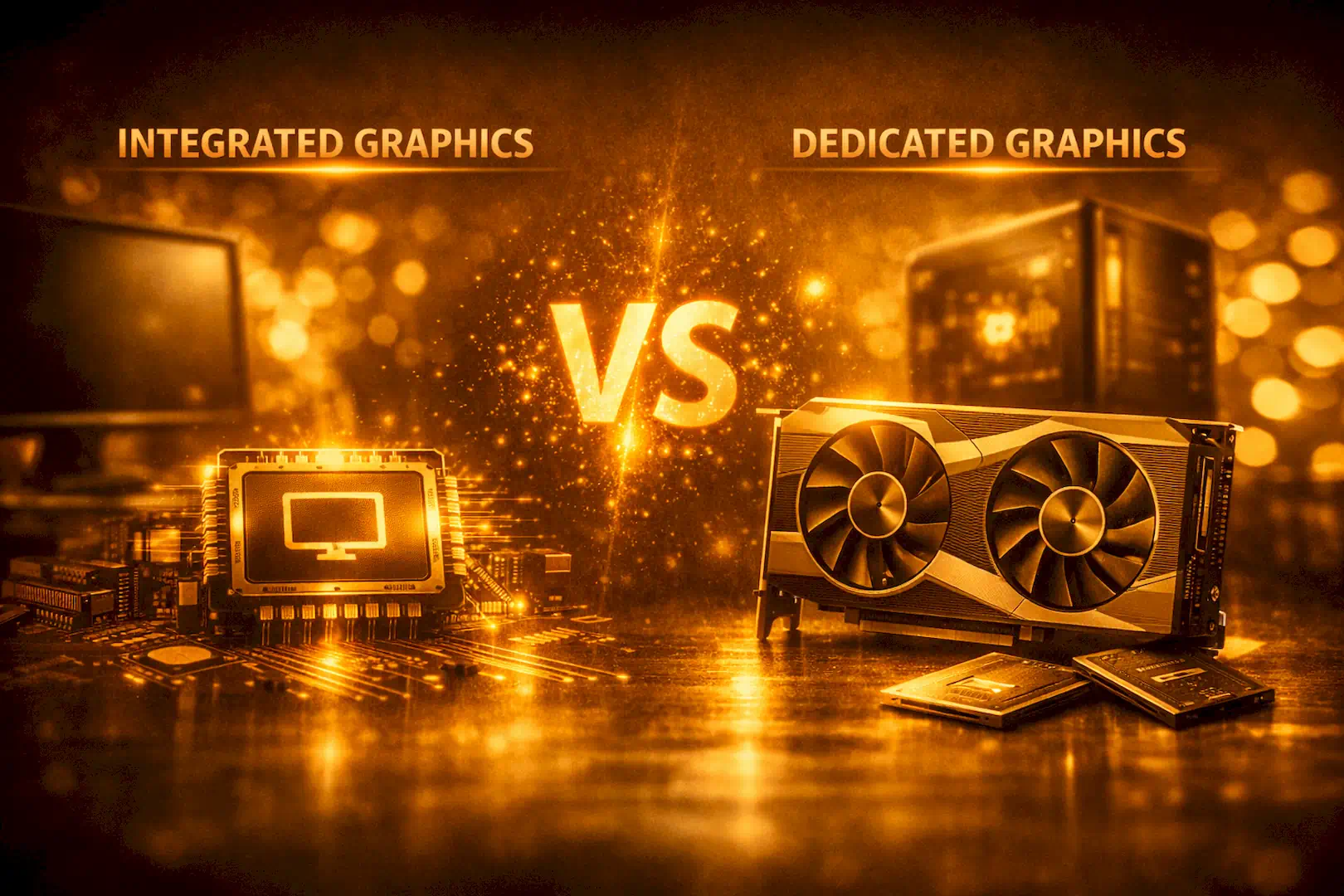
Choosing between an integrated GPU and a dedicated graphics card comes down to your budget, workload, and performance expectations. Integrated graphics are perfect for everyday computing and light gaming, while dedicated GPUs deliver the horsepower needed for demanding tasks like 3D rendering and AAA gaming.
By weighing the pros and cons, you’ll be able to make a smarter decision that balances cost with capability — ensuring your PC is optimized for the way you use it.
The world of computing hardware moves incredibly fast, with new processing chips and graphics architectures hitting the retail market every single month. We constantly track, review, and break down next-generation component announcements so you always know exactly when to upgrade and when to wait. Our future expert buying guides will expose overpriced hardware traps and highlight the absolute best price-to-performance components available for your budget.
Drop your thoughts, system build questions, or custom setup ideas in the comment section below to chat directly with fellow tech enthusiasts, and hit the social media sharing buttons on this page to help your family and friends make smarter, safer hardware and sofware decisions today.
Great post 😍
Thanks a lot. I appreciate.
You have not responded to me? Kindly respond via the email